![footer-logo.png]](https://help.intentwise.com/hs-fs/hubfs/footer-logo.png?width=210&height=40&name=footer-logo.png)
Set up alerts to monitor your advertising performance. In this article, you'll learn how to set an alert for Walmart:
-
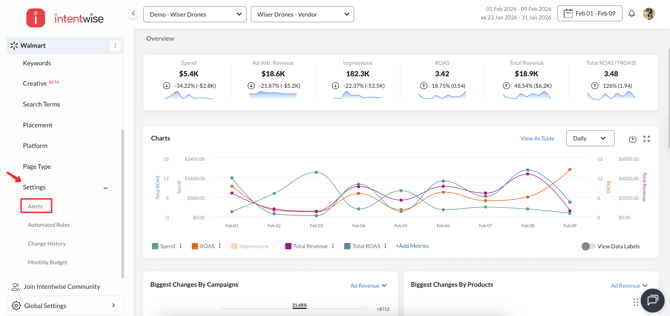
Navigate to the Alerts tab under Walmart Settings.
-
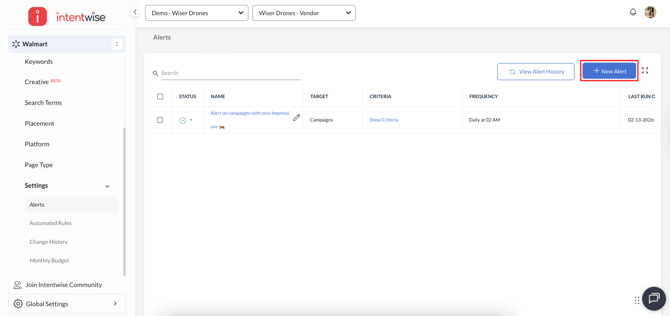
Click on "+ New Alert" button.
-
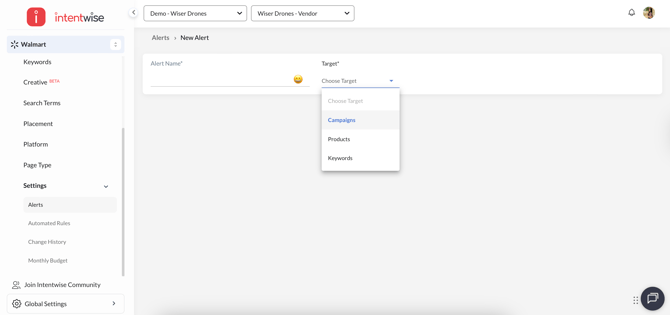
Name the alert and select the target, such as campaigns. There are three target types:
-
Campaign level
-
Product level
-
Keyword level
-
-
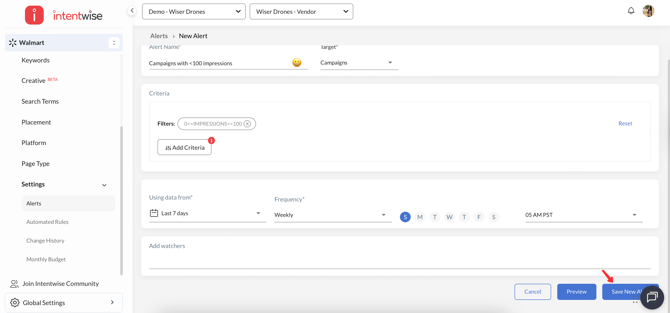
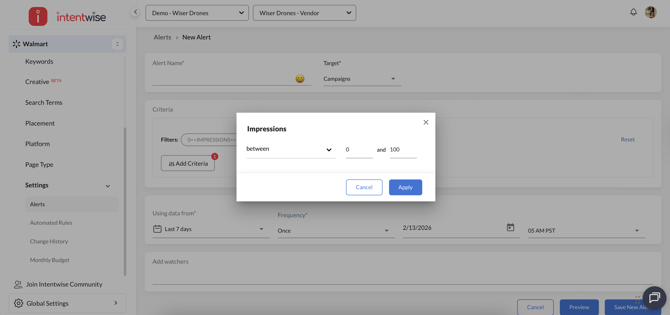
Specify the criteria to trigger an alert notification.
-
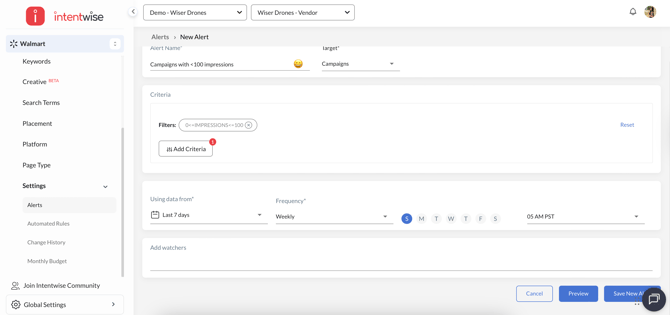
Set your lookback window, frequency, and time of day.
-
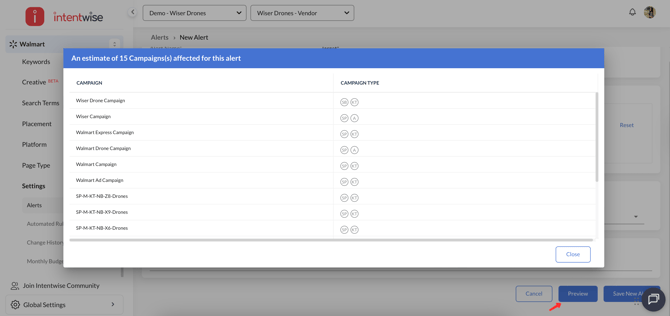
Add additional team members as watchers if they need to be notified. You can also preview the targets that qualify for the criteria using the "Preview" button.
-
Save the new alert.