![footer-logo.png]](https://help.intentwise.com/hs-fs/hubfs/footer-logo.png?width=210&height=40&name=footer-logo.png)
As advertisers, we often ask questions such as "What changed in DSP performance last week compared to the prior week?" or "How does Prime day performance this year compare with last year?"
Use the "compare" option in the calendar widget to answer these questions quickly. With Intentwise's custom compare option, compare past performance for your Amazon DSP account on all dashboards except Products.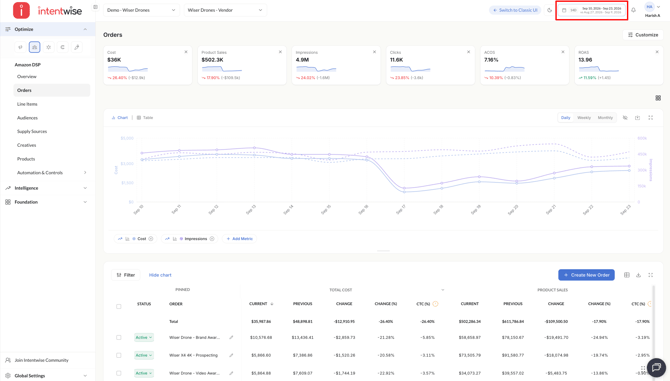
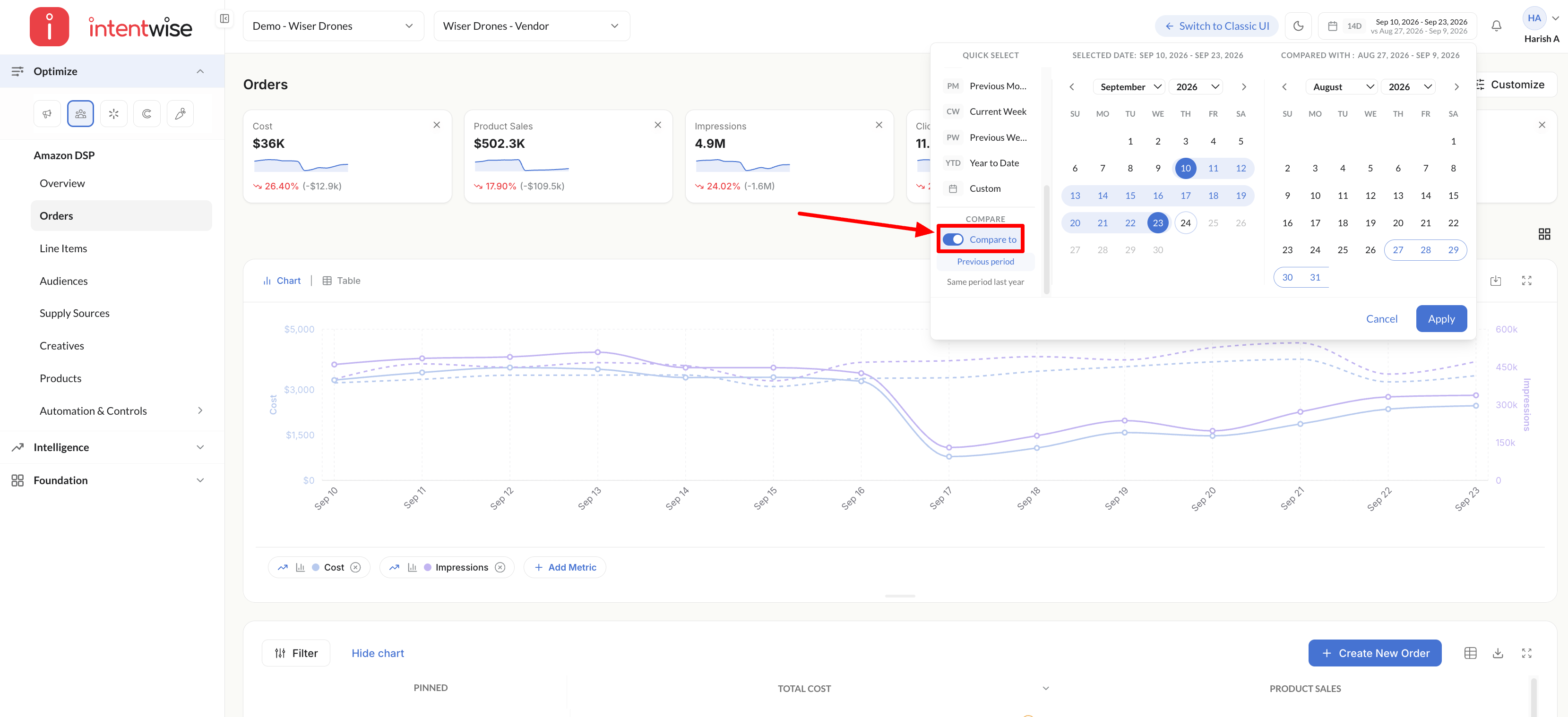
- Select Compare: Select the compare toggle switch and enable it. The Intentwise dashboard will switch to compare mode.
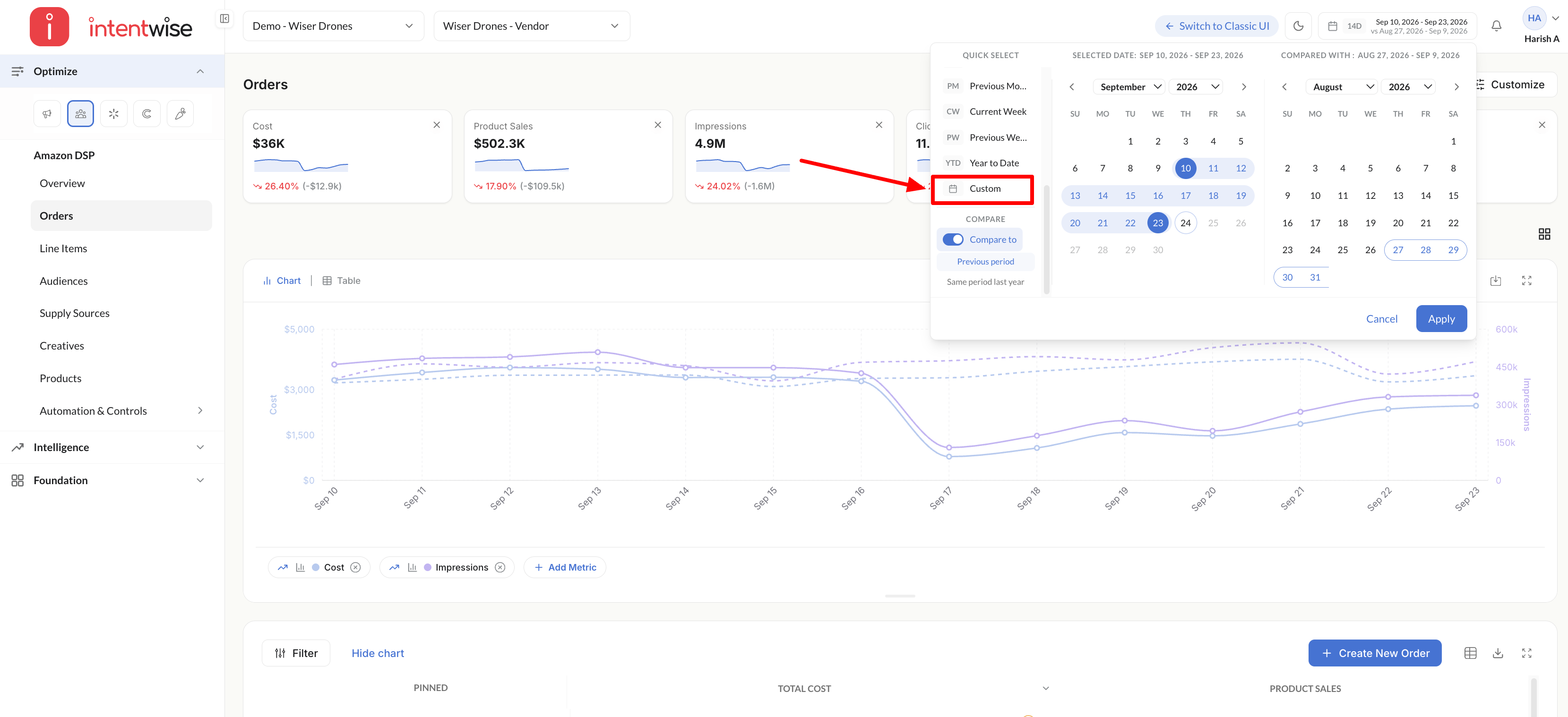
- Select dates: To compare data for a custom date range, click on Custom from the dropdown.
- Select the dates that you want to compare and click Apply.
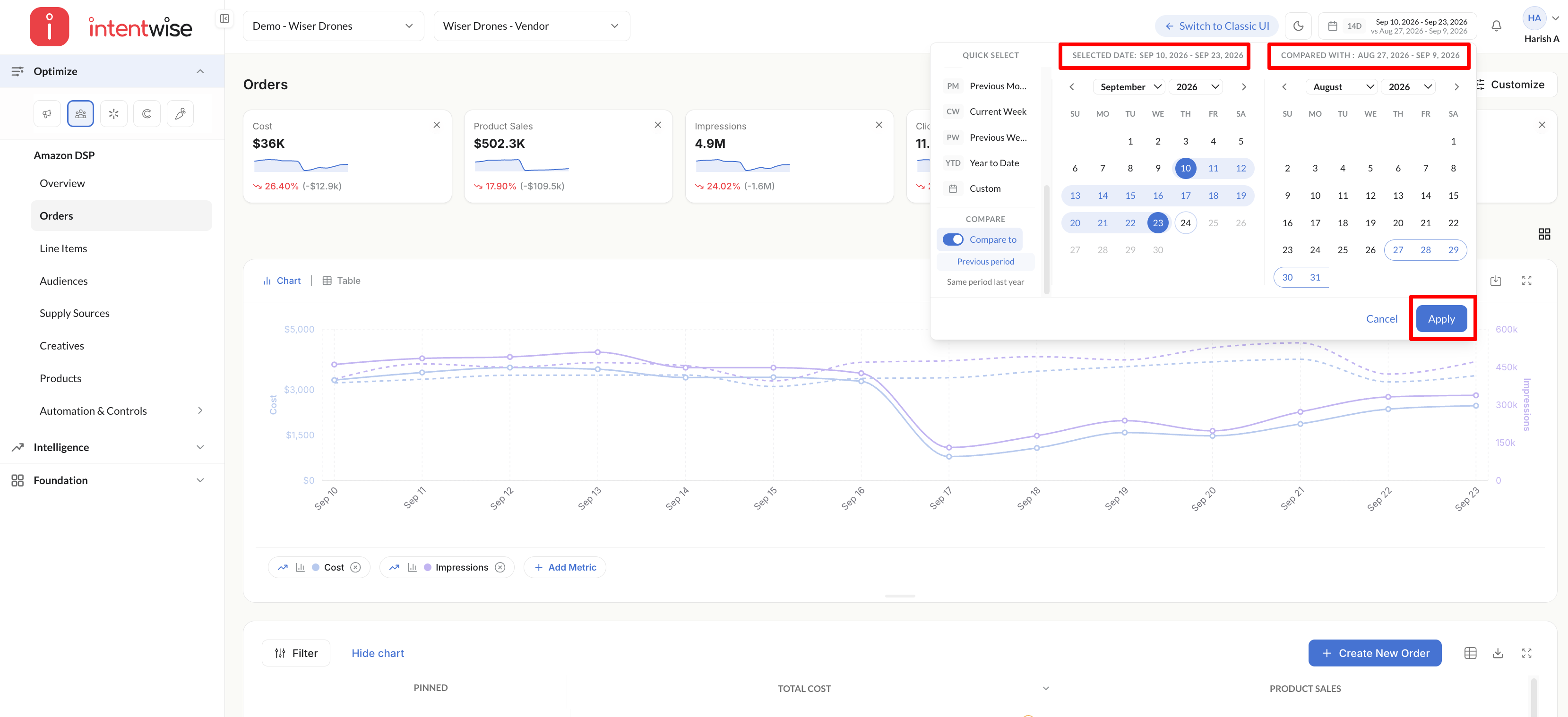
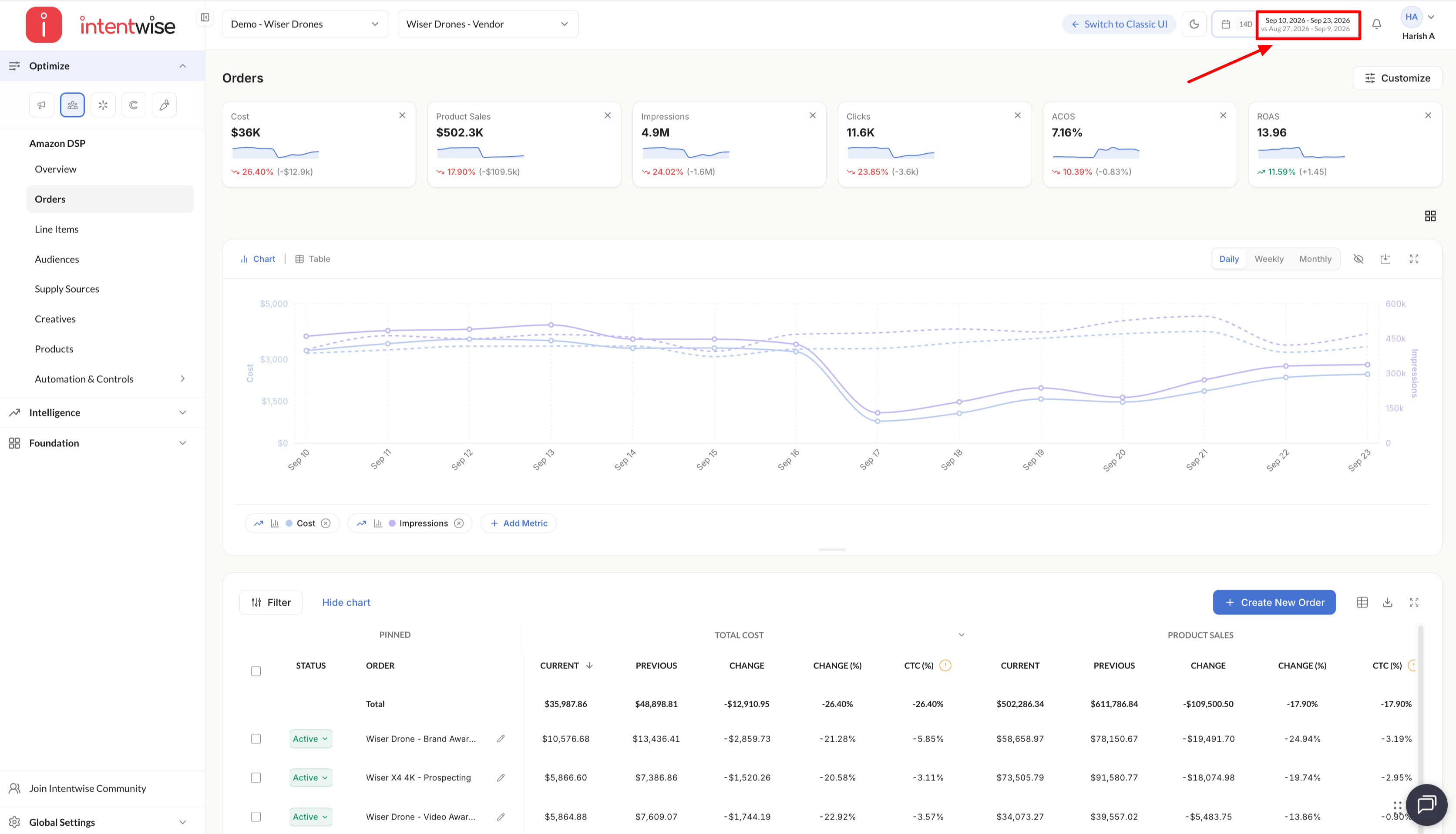
- The dates being compared are listed next to the Select Date dropdown. You will see metrics on charts for the selected date ranges.
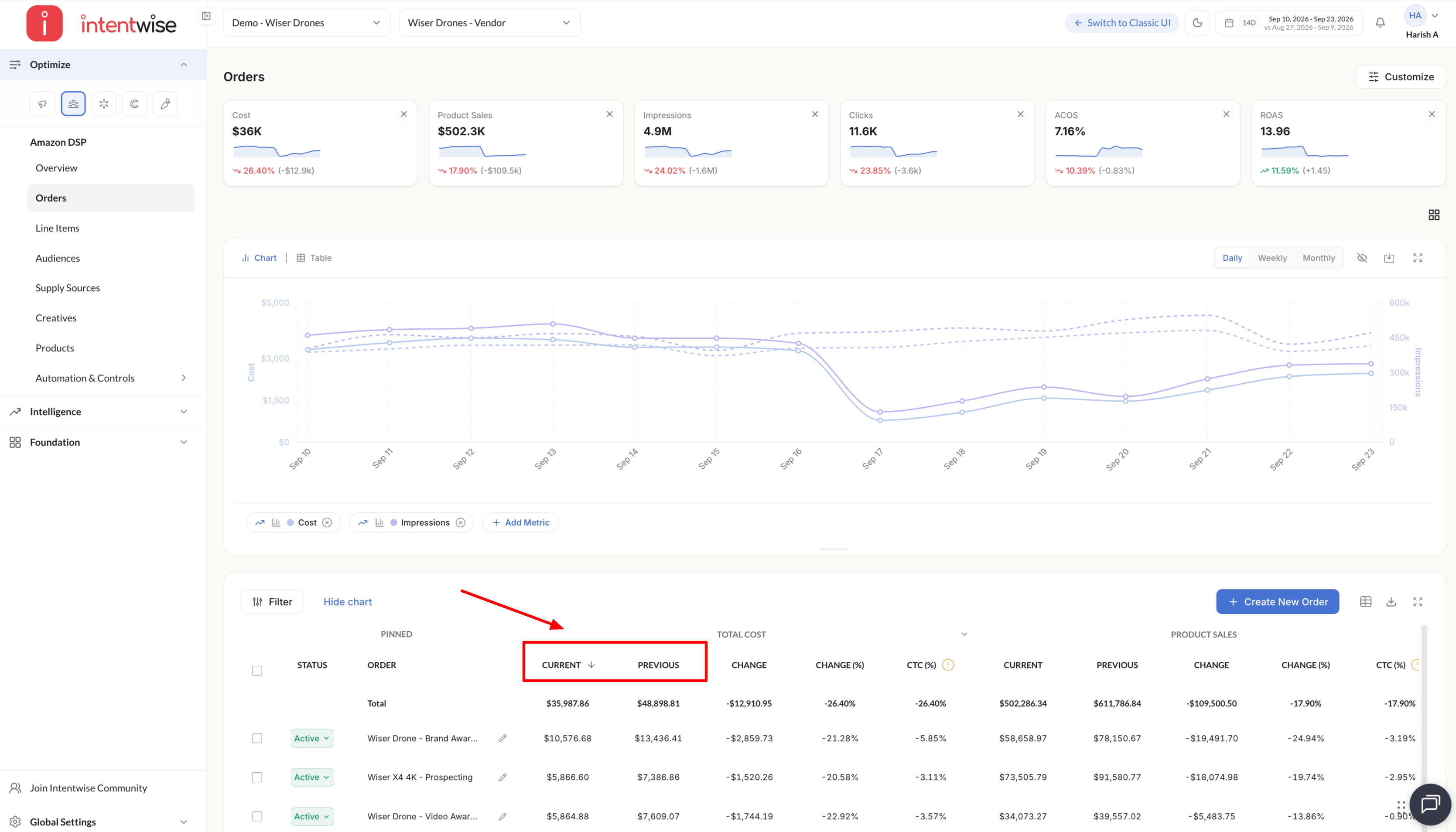
- The table view will also change to show new columns for previous period values, change, and percentage change in the data values.
Note: Compare is currently available on all dashboards except Products for Amazon DSP.